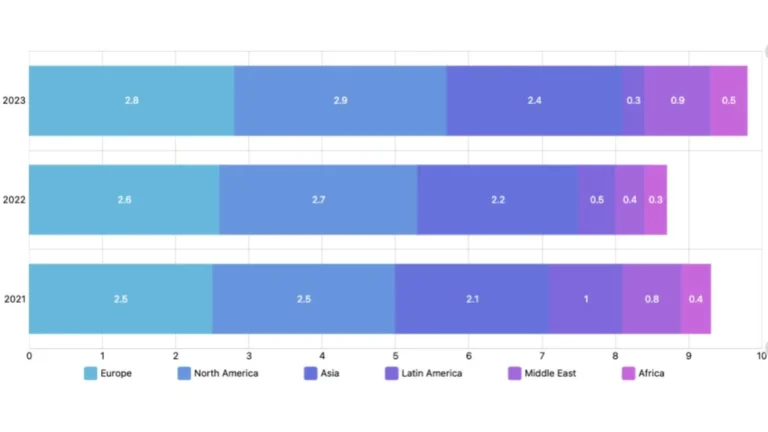
A regional director sits down with the weekly report. Twelve stores. Sales by store, ranked. The top store did $84,000. The bottom store did $39,000. The director circles the bottom store and writes a note to the area manager: “Why is this one underperforming?”
The bottom store is in a strip mall in a small commuter town. The top store is in a flagship location on a busy high street with 6× the foot traffic. The bottom store, against any honest baseline, is performing better than the top store. But the ranked list doesn’t show that. So the wrong store gets the call, the wrong manager gets the pressure, and the genuinely struggling store, somewhere in the middle of the list, continues coasting unnoticed for another quarter. This happens in multi store retail analytics every Monday morning, in every retail business with 4+ locations.
This is the central failure mode of multi store retail analytics: comparing stores against the wrong baseline, then making operational decisions based on the resulting league table. The math is correct. The framework is wrong. And until the framework gets fixed, every downstream report inherits the same distortion.
This article is the framework. Five layers of comparison, in order, with the questions each layer answers and the operational decisions each one supports. Use it as the basis for how your network gets compared every week.
The five layer framework for multi store retail analytics
The multi store retail analytics framework has five layers. Each one answers a different operational question. None of them is optional, and none of them substitutes for the others.
Layer 1: Each store against its own historical baseline.
Layer 2: Each store against comparable peers.
Layer 3: Each store against its own trajectory.
Layer 4: Each store against the role it plays in the network.
Layer 5: The network against itself, over time.
Most retailers run Layer 5 well and ignore Layers 1–4. The result is exactly the situation described in the opening, confident reporting, confused operations.
Layer 1: Each store against its own baseline
The first and most important comparison is the store against itself. Not against any other store, not against the network average, not against last year’s plan, against its own rolling baseline.
A store’s baseline is its expected performance given normal conditions: typical day-of-week patterns, typical weather, typical promotional cadence, typical headcount. The baseline gets built from 8–13 weeks of clean trailing data, smoothed for known anomalies. Once you have it, every weekly result becomes a deviation from baseline rather than a raw number.
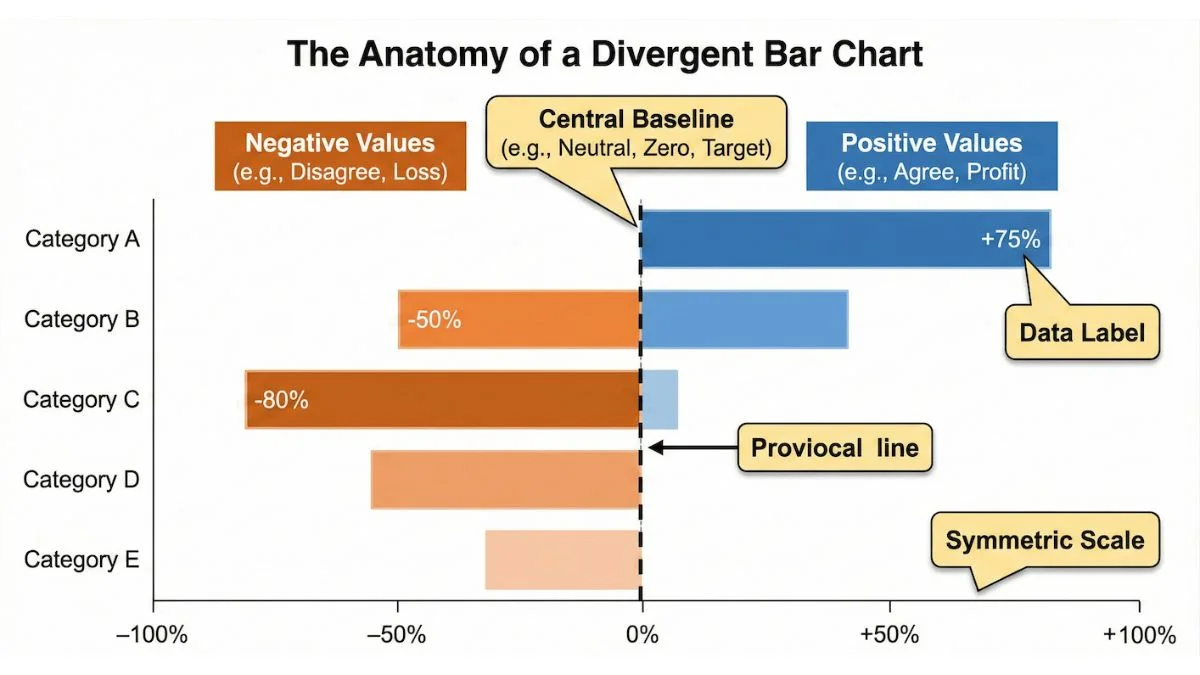
The operational power of this is enormous. A store doing $52,000 against a baseline of $50,000 is performing well. A store doing $78,000 against a baseline of $84,000 is silently underperforming, even though it sits higher in the raw ranking. The baseline view inverts the league table, and the inverted table is the one operations should be acting on.
This is also the layer where multi store retail analytics earns its keep, it catches slow-declining stores early. A store drifting 2% below baseline for three weeks in a row is sending a signal that no raw-number report would surface. Operations leaders who catch decline at –2% have months of runway to intervene. Operations leaders who wait for the raw number to alarm them have a quarter of damage to undo first. This is the single highest-leverage upgrade to most multi store retail analytics setups and the cheapest to implement.
Layer 2: Each store against comparable peers
Once each store has been measured against itself, the next question is whether it’s keeping up with stores that face similar operating conditions. This is the layer most reports skip, and the layer where unfair comparison does the most damage.
In multi store retail analytics, a comparable peer group is a small cluster of stores that share the variables that matter for performance: catchment size, customer demographic, format type, footprint size, urban vs suburban setting, and product mix. Three to six stores per cluster is usually right. Bigger clusters dilute the signal; smaller ones produce too much noise. This isn’t a new idea, retail benchmarking research has consistently shown that unfair peer comparisons are one of the most common ways operational reporting misleads multi-store operators.
The operational question this layer answers: given the conditions this store operates in, is it performing like the others operating in similar conditions? If five comparable stores grew 5% this quarter and the sixth was flat, that flat store needs a conversation, even if its raw numbers look fine.
The classic mistake is to use the network average as the peer baseline. The network includes stores in completely different operating conditions, and the average smooths across them. A store in a tourist district being measured against a network that’s 80% commuter stores is being measured against the wrong thing. This is one of the most common ways averages destroy multi-location operations, they pretend that all stores share a baseline when they don’t.
Building peer clusters takes work the first time. After that, the clusters are stable for 12–18 months, and updating them is a half-day exercise.
Layer 3: Each store against its own trajectory
Point-in-time numbers lie. Trajectories don’t.
The same store can post $52,000 in week 30 either way: as part of a confident climb from $44,000 in week 22, or as the latest step in a slow drift down from $61,000 in week 18. The point-in-time view treats both as “a $52,000 week.” The trajectory view treats them as completely different operational situations, one healthy, one quietly in trouble.
Trajectory analysis means looking at the rolling 8–12 week pattern for each store and asking: is this store moving in the right direction? The answer is independent of where the store currently sits in the league table. Some top-ranked stores are sliding. Some bottom-ranked stores are climbing fast. The trajectory tells you which.
A useful operational rule: if a store is below its own baseline AND its trajectory is downward, treat it as urgent. If it’s below baseline but its trajectory is upward, treat it as a recovery in progress. If it’s above baseline but its trajectory is downward, treat it as the next problem store. The combination of Layer 1 and Layer 3 catches almost every operational issue before it hits the headline numbers. In multi store retail analytics, this combination is the workhorse, most operational decisions get made from these two layers alone.
Layer 4: Each store against the role it plays in the network
Not every store is supposed to do the same job. Multi store retail analytics goes wrong when it pretends they are.
A flagship store and a satellite store have different operational roles. The flagship drives brand presence, captures high-intent customers, and runs higher margins on a smaller volume. The satellite is a volume play in a convenience location, lower margin per ticket but higher transaction count. Measuring them both against “sales per square foot” or “average basket value” punishes one for not behaving like the other, when both might be performing well against the right role-based metric.
Role-based comparison means defining 2–4 store archetypes in the network (flagship, urban core, suburban, satellite, outlet, pop-up, whatever fits your business) and measuring each store against the KPIs that matter for its archetype. The flagship’s KPI mix emphasises basket size, dwell time, and brand engagement. The satellite’s emphasises throughput, transaction count, and labour efficiency.
This is the layer that prevents one of the most expensive operational mistakes in retail: closing a perfectly healthy satellite store because it doesn’t post flagship-level revenue. The store wasn’t built to. Measuring it against flagship KPIs was the failure. Role-based comparison is the layer that most multi store retail analytics setups skip entirely, and it’s where the biggest unfair-comparison losses hide.
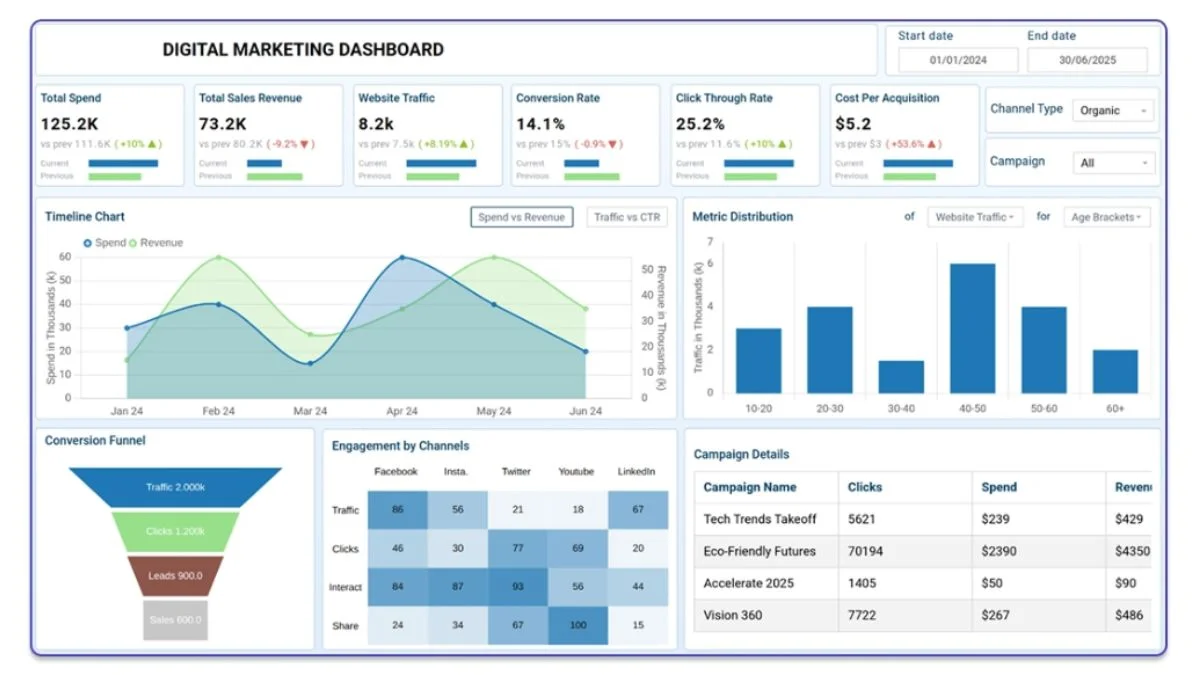
If your reporting layer doesn’t distinguish store roles, this is one of the highest-impact upgrades you can make, and it’s the kind of structural change that a custom operational dashboard is built around. The dashboards I build for multi-location retailers explicitly tag each store with a role and pull role-appropriate KPIs to the front of the view.
Choosing the wrong metrics is its own problem, the KPI trap is what happens when a dashboard measures everything except the things that actually drive a decision.

Layer 5: The network against itself, over time
he last layer is the one most multi store retail analytics setups already run well: the network as a whole, against itself, over time. Total sales week-on-week, year-on-year, against plan. This is the layer finance cares about, and it’s the right tool for that question.
But it’s a network-health metric, not an operational metric. The network being up 4% doesn’t tell you what to do operationally. It tells you whether the business is broadly healthy. Layers 1 through 4 tell you what to do. Layer 5 tells the board.
The error most retailers make is starting with Layer 5 and trying to derive operational decisions from it. The math doesn’t support that direction. Operational decisions live at the store, day, hour, and SKU level, and they have to be made from views built at those levels. In multi store retail analytics, the network number is the rollup, not the source.
How multi store retail analytics fits into a weekly operations rhythm
In practice, a multi store retail analytics workflow that uses all five layers looks like this:
The Monday morning report opens with Layer 1, every store against its own baseline, sorted by deviation. The conversation starts with the biggest negative deviations and works down. Time on each store: 3–5 minutes.
The same view shows Layer 3 alongside the trajectory arrow for each store. Stores with negative deviation AND negative trajectory get flagged for action. Stores with negative deviation but positive trajectory get noted as recovering.
Layer 2 runs weekly but doesn’t need to be in the Monday meeting, it’s a Wednesday or Thursday review where peer-cluster performance gets compared and outlier stores (positive or negative) get investigated. This is also when you look for replicable wins.
Layer 4 lives in the dashboard as the role-based view, so any time someone opens a store’s detail, they see KPIs appropriate to that store’s archetype. It’s continuous rather than weekly.
Layer 5 goes to the leadership team and the board. It does not drive operational decisions at the store level.
This rhythm replaces the “everyone stares at the ranked sales list” Monday meeting that most multi-store retailers still run. The new meeting is shorter, sharper, and focused on action rather than explanation.
When the framework isn’t worth the work
A reasonable concession: this multi store retail analytics framework is overkill for some businesses. If you have 3 stores, all in similar settings, all performing the same operational role, you can run a simpler version, Layers 1 and 3 are usually enough.
The framework becomes essential at roughly 6+ stores, or at any point where you have meaningful variation in store role, store size, or operating conditions. Below that scale, the operator’s intuition usually fills in for the framework. Above it, intuition fails reliably, and the framework starts paying for itself within a quarter.
If you’re not sure whether your current reporting is hiding store-level signal or whether the right next step is a custom dashboard, a one-off analysis, or a data cleaning project first, the full list of data services I offer is here. The right starting point depends on what your data looks like today, not on which deliverable sounds best.
The single test that tells you whether your current setup works
A useful diagnostic. Open your most recent weekly report. Pick the store ranked third from the bottom. Now answer this question without looking at anything else: is this store underperforming, or is it performing well against its baseline and just naturally lower-volume?
If you can answer that question instantly from your current report, your multi store retail analytics framework is fine.
If you can’t, your reporting is built around Layer 5 and treating it as if it were operational. That’s the gap this framework closes. The fix isn’t more data, it’s restructuring the comparison so the operational questions can be answered. That’s what real operational visibility looks like in a multi-store retail context: each store visible against the right baseline, the right peers, and the right trajectory, every week, without anyone having to dig.
The league table will still be there. Don’t make decisions from it.
One of the highest leverage uses of the framework is catching a slow declining store before it shows up in the monthly P&L
I build custom operational dashboards for businesses with hidden demand patterns, multi location retail, transport and logistics, booking based services, e-commerce, and hospitality. The work starts with the decisions you need to make, not the charts.
See how the dashboard service works → or explore other data services if you’re not sure what you need.
Pingback: Why Averages Destroy Multi-Location Operations
Pingback: How Every Multi-Location Business Hides Its Biggest Wins
Pingback: The KPI Trap: Why Smart Dashboards Fail
Pingback: Slow Declining Store Warning Signs Before the P&L